
Clinic Chat and Messaging Management: WhatsApp, Instagram and Telegram in a Single Panel
A clinic’s patient communication during the day is never just a single message. One conversation can contain an appointment request, then a lab-result photo, and finally a line asking for the clinic’s address. On top of that, while one patient writes on WhatsApp, another reaches you on Instagram DM and another on Telegram. All of this flow arrives at the same time, at the same speed.
14 July 20269 min read
In this article
- Why Is Clinic Chat Management a Discipline of Its Own?
- Single Inbox: All Conversations on the Same Screen
- Message Types: Text, Media, Voice and Location
- Editing and Deleting Messages: Platform-Specific Rules
- Typing, Read and Status Information
- Handover and Takeover: Moving From AI to a Human
- Message Templates: Speed for Repeated Replies
- Chat History and Export
- Managing Unwanted Messages
- Frequently asked questions
- Chat Management Is the Heart of Patient Communication
The difficulty of managing this traffic lies not only in the number of messages but in their variety and scatter. Which conversation has been answered, which is waiting to be handed over to staff, which message has been read, which media file is still unopened? If the answers to these questions are spread across three separate apps, the clinic is not managing communication; it is chasing it.
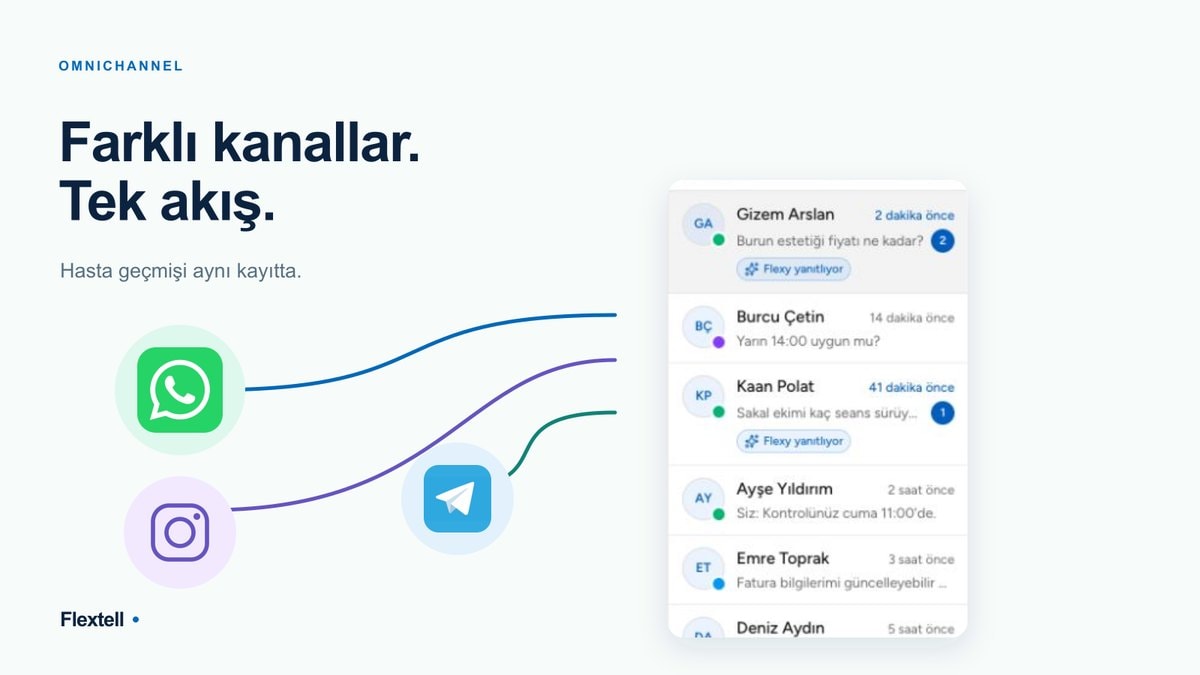
Flextell’s chat and messaging management gathers this whole flow in a single panel. Every conversation arriving through WhatsApp, Instagram DM and Telegram, with its text, media and location messages, appears in the same inbox. The AI assistant receives conversations, hands them over to staff when needed, and the full history stays accessible on a single screen. In this guide we walk step by step through how chat management works in Flextell.
Why Is Clinic Chat Management a Discipline of Its Own?
Clinic chat management is the process of tracking and answering all written communication with patients from a single central interface. It is a discipline of its own, different from booking appointments or sending reminders, because it requires managing the conversation itself.
An appointment record is a single piece of data: date, time, doctor. A chat, on the other hand, is live and layered. It holds multiple requests, multiple messages and context that spreads over time. Tying today’s reply to a photo the patient sent two days ago, passing a half-finished conversation to the right staff member, or correcting a mistyped message all fall within chat management.
In manual processes these layers come apart. The photo that arrived on WhatsApp stays in the phone’s gallery, the appointment is written in a notebook, the patient note goes somewhere else. Flextell brings these layers together in a single conversation flow; the chat becomes a coherent record rather than scattered pieces.
Want to see all the modules of a clinic management platform in one place? You can find our guide to clinic management software here.
Single Inbox: All Conversations on the Same Screen
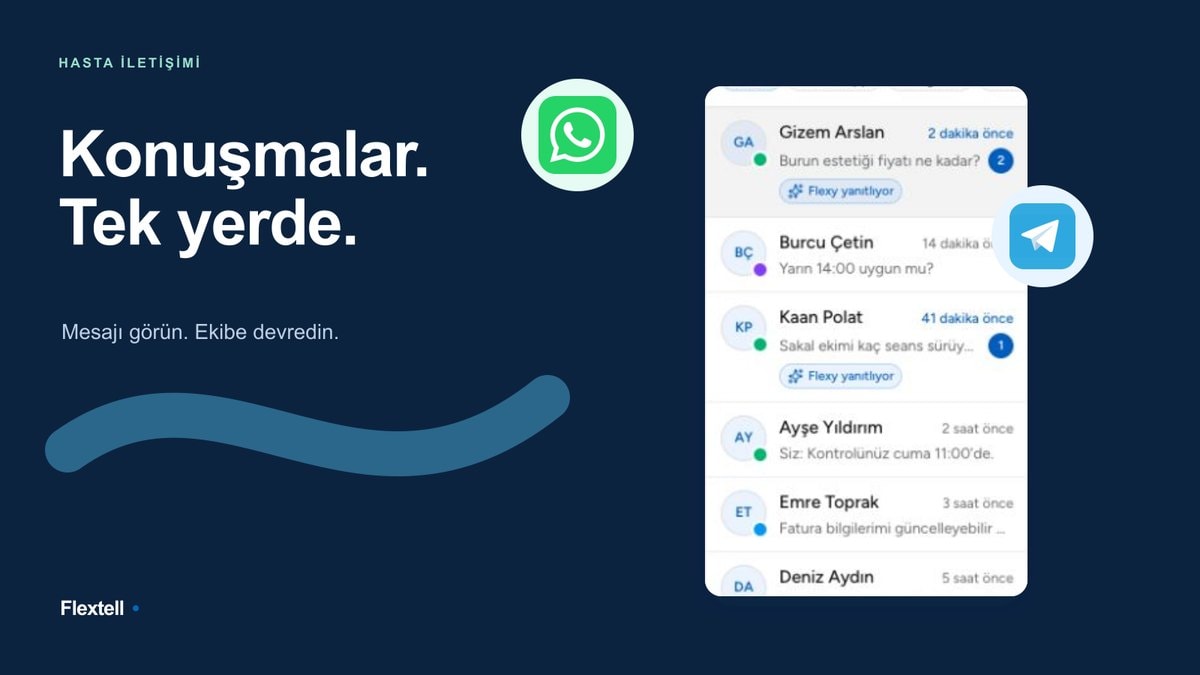
In Flextell, all conversations arriving through WhatsApp, Instagram DM and Telegram are listed in a single inbox view. Conversations are sorted by latest message; the newest interaction always appears at the top. This way you can see at a glance which patient is waiting for a reply and which conversation is active.
Each conversation row shows the patient’s name, the channel it came from and a summary of the last message. When you open a conversation, the whole history unfolds in chronological order: messages sent and received, the AI assistant’s replies, the moments when staff took over, and the informational messages the system generates automatically. The whole story of the conversation up to that moment is visible on one screen.
The practical meaning of this structure for the clinic is that the loss of visibility goes away. Staff do not need to keep three separate apps open, check notifications one by one, or try to remember what was answered on which channel. A single screen becomes the single source of truth for all communication.
Want to look more closely at the overall value of bringing channels together on one platform? You can find our detailed guide to omnichannel patient communication here.
Message Types: Text, Media, Voice and Location
Patient communication is not made up of plain text alone. Flextell’s chat panel fully supports the different forms of communication with patients.
Text messages are the foundation of communication; appointment requests, questions and information flow in this form. Media messages cover photos, documents and PDF files sent by the patient; in aesthetic clinics “before/after” images, in dental clinics X-ray images or a lab result can be shared directly in the conversation. Voice messages come into play when the patient prefers to speak rather than type; Flextell converts the content of voice messages to text so the AI assistant can understand and process them too. Location messages make the geographic information the patient shares visible within the conversation.
When sending media, the system gives instant feedback: while a file is uploading, a preview and an upload indicator appear in the conversation right away, and the file size becomes visible at that moment. Neither the patient nor staff wait for a large file to upload while staring at a blank screen. All of these message types sit in the same conversation flow, in chronological order, without getting mixed up.
Editing and Deleting Messages: Platform-Specific Rules
Mistakes are unavoidable in written communication: a wrong time, a missing word, a message sent to the wrong patient. Flextell lets you edit and delete sent messages, but these actions are subject to the rules of the messaging platform in question.
Each platform has its own time windows. WhatsApp, for example, allows a sent message to be edited only for a certain period; Telegram offers a wider window. Flextell applies these platform limits as rules defined in the system; when a message falls outside the edit or delete window, the action is technically blocked and the user is informed. This way, no action that violates platform rules and would cause an error later is attempted.
The same approach applies to deletion. When you want to delete a message, the system asks for confirmation; this prevents accidental deletions. With multi-device use (for example, when an edit made on the web panel needs to show up in the mobile app), Flextell carries the change to all devices consistently; an edit made on one device does not stay in its old form on another.
Typing, Read and Status Information
Healthy conversation management requires seeing not only the content of messages but also their status. Flextell reflects status information coming from the messaging channels in the chat panel.
The patient’s “typing” or “recording audio” status becomes visible during the conversation; staff or the assistant see in real time that the other side is active. In the same way, whether sent messages have been read by the patient is shown in the panel. These status indicators remove uncertainties such as whether a message was delivered or whether the patient is writing a reply.
Although this information looks small, it makes an important difference in conversation management. A situation where the patient has read the message but not replied is not the same as one where they have not yet seen it; by seeing this distinction, staff decide on follow-up accordingly.
Handover and Takeover: Moving From AI to a Human
At the center of Flextell’s chat management is a smooth transition between the AI assistant and clinic staff. The assistant runs most conversations from start to finish; however, an emotionally charged complaint, an unusual request, or a question that goes beyond the data defined in the system may call for a human touch.
This is where the handover mechanism comes in. When the assistant falls short or human involvement is needed, the system automatically creates a support request and sends a notification to the relevant staff. When staff take over the conversation, the AI assistant is switched off for that conversation; the two sides do not reply at the same time and confuse the patient. When staff finish, they can hand the conversation back to the assistant.
Flextell makes these transitions visible in the chat flow with system messages. When a conversation was handed over to staff and when it was taken back appears in the conversation history with a timestamp. This way, in clinics with many staff, the question “Who took over this conversation, and when?” can always be answered. The transition works the same way whichever channel it comes from; a conversation that started on WhatsApp and a request that came from Telegram are managed by the same mechanism.
Want to look more closely at how the AI assistant runs the whole conversation? You can find our guide to the 24/7 automatic patient reply system here.
Message Templates: Speed for Repeated Replies
In clinic communication some replies repeat constantly: appointment confirmation, preparation instructions, address and directions, an explanation of a frequently asked treatment. Writing these replies from scratch every time takes time and also creates inconsistency from one staff member to another.
In Flextell, message templates answer this need. Frequently used replies are defined in advance and added to the conversation in one move when needed. This way staff can pass standard information to every patient with the same clarity and the same speed. Templates provide not only speed but also consistency in communication; every patient gets the same correct information, in the same language.
Chat History and Export
The communication with a patient is part of that patient’s clinical history. In Flextell every conversation is stored permanently; when a patient writes again months later, all the earlier context is accessible. Staff do not need to get to know the patient from scratch or try to remember old requests.
When needed, an entire chat can be exported. This is useful when a conversation needs to be added to a record outside the clinic, when a retrospective check is needed in a dispute, or when it needs to be kept as an official attachment to the patient file. Having the conversation record accessible and portable gives the clinic assurance both operationally and legally.
Want to discover how all the components of patient history are kept together? You can find our detailed guide to patient tracking software here.
Managing Unwanted Messages
In high-traffic clinics, chat channels are filled from time to time with unwanted messages: ad content, repetitive queries or malicious attempts. These messages pull staff attention away from real patient requests and make the panel harder to follow.
In Flextell, the blocking feature solves this problem. When an unwanted user is detected, they can be blocked, and the block applies to all channels. This way clinic staff focus on real patient requests; unwanted traffic is filtered out by the system. The chat panel stays a workspace free of noise.
Curious about ways to protect a clinic chatbot from spam and malicious use? You can find our detailed guide on the topic here.
Frequently asked questions
Which message types can be displayed in the chat panel?
Text, media (photos, documents, PDF), voice messages and location messages are displayed in the same conversation flow. The content of voice messages is converted to text so the AI assistant can understand it too.
Can I correct a message that was sent by mistake?
Yes, but this action is subject to the platform’s edit window. WhatsApp and Telegram, for example, offer different time windows for editing messages. Flextell applies these rules; when you try to edit a message outside the window, the action is blocked and the reason is shown.
How does the transition from the AI assistant to staff work?
When the assistant falls short or human involvement is needed, the system automatically opens a support request and sends a notification to staff. When staff take over the conversation, the assistant is switched off for that conversation; when the process is complete, the conversation can be handed back to the assistant. All handovers appear in the conversation history as system messages.
Can I see whether the patient has read the message?
Yes, the “read” information from the messaging channel is reflected in the panel. The patient’s “typing” or “recording audio” status also becomes visible during the conversation.
What happens if more than one staff member steps into the same conversation at once?
When a conversation is handed over to staff, its ownership and status become visible in the panel; handover and takeover actions are recorded with system messages. This way it can always be tracked which staff member is running the conversation, and overlapping replies are prevented.
Can I access past conversations with a patient later?
Yes, all conversations are stored permanently and can be reached through the patient card. When needed, an entire chat can be exported and added to a separate record.
Does the chat panel show all channels on a single screen?
Yes. All conversations arriving through WhatsApp, Instagram DM and Telegram are listed in a single inbox view, sorted by latest message. Staff do not switch between apps to change channels.
Chat Management Is the Heart of Patient Communication
In a clinic, patient communication does not start with an appointment; it starts with a message. The first contact, the first question, the first photo all happen in a chat window. The disorder or order in that window directly sets the tone of the patient experience.
In Flextell, chat and messaging management works as an integrated system: a single inbox, multiple message types, platform-appropriate editing rules, status indicators, AI-to-human handover, templates and a permanent history. Instead of chasing three separate apps, staff manage all communication from a single screen; only the moments that truly need a human touch reach their agenda.
This content was prepared by the Flextell team. Last updated: July 2026.