
Patient appointment reminder system: Lowering your no-show rate
Booking an appointment doesn’t guarantee the clinic that time slot. The patient confirms, the calendar moves on, but whether they’ll actually show up on the day stays uncertain. Every patient who is expected and doesn’t come brings with them the doctor’s lost hour, the staff’s lost plan, and the fact that no other patient could be seen in that slot. The sum of these three losses makes a no-show not a minor operational hiccup but a direct, measurable loss of revenue.
15 April 20268 min read

In this article
- Why do no-shows happen?
- How does the reminder system work in Flextell?
- The cancellation and change flow: A freed-up slot isn’t lost
- The win-back message: A patient who cancels isn’t lost
- Session confirmation messages in multi-session treatments
- No-show reporting: Which hours, which treatments?
- Automatic reminders and staff workload
- Frequently asked questions
- Beyond the reminder system
The solution isn’t technically complicated: a reminder message delivered at the right time, on the right channel, with the right content prevents a significant share of no-shows before they start. The real difficulty is running this process consistently. In a busy clinic, tracking every appointment, sending every message on time, and handling incoming cancellation requests immediately puts a serious, recurring workload on staff.
Flextell’s patient appointment reminder system automates this process. Reminder timing, message content, the cancellation flow, and the win-back mechanism run continuously in the background without staff intervention. In this guide we walk step by step through each of these mechanisms and what it contributes to clinic operations.
Why do no-shows happen?
To understand the value of a reminder system, you first need to list what triggers a no-show. Each cause points to a different solution mechanism.
Forgetting: The most common cause. The patient books, days go by, and the date slips their mind. This is a cause that can largely be prevented with a reminder sent on time.
Miscommunication: The patient has a different time or day in mind. A reminder message that clearly restates the appointment details catches this kind of misunderstanding early.
Uncertainty: The patient doesn’t know what to bring, whether they need to prepare, or where to go. This uncertainty sets the stage for dropping out before they start, especially at first appointments. Preparation information added to the reminder message removes that risk.
Change of plans: The patient makes another plan for that day but doesn’t tell the clinic in advance. Behind this there is usually a perception that canceling looks "troublesome." Systems that make it possible to cancel by message remove that friction; the patient backs out easily, and the clinic gets a chance to make use of the freed-up slot.
All of these causes are points you can intervene on directly with a well-designed reminder system.
How does the reminder system work in Flextell?
The trigger: Appointment confirmation
In Flextell, the automatic reminder flow starts as soon as an appointment is confirmed. The trigger is the same for appointments created manually from the panel and for appointments booked through the AI assistant: the appointment moving to the "Confirmed" status.
From this point on, the system automatically sends messages to the patient at predefined time intervals. Staff don’t need to take any extra step; the flow runs on its own in the background.
Timing customization
When the reminder is sent is set according to the clinic’s preference. A commonly used setup is a first reminder 3 days before the appointment and a final reminder 24 hours before it. The clinic can set these intervals differently to suit its needs.
The logic of the two-stage reminder is this: the message 3 days out settles the patient’s plans early, and the one 24 hours out brings it back to mind on the day of the appointment. Two separate touchpoints are far more effective than a single reminder.
Message content and personalization
Reminder messages are not fixed and generic. In every message, the appointment date, time, and doctor’s name are filled in automatically. The patient sees exactly which day, at what time, and with whom their appointment is.
Beyond that, the clinic can add extra information to the message: treatment-specific preparation instructions, points to watch out for, or documents to bring to the appointment. This extra information directly removes the uncertainty that triggers no-shows, especially at first sessions or for treatments that require preparation.
The channel: The patient’s preferred platform
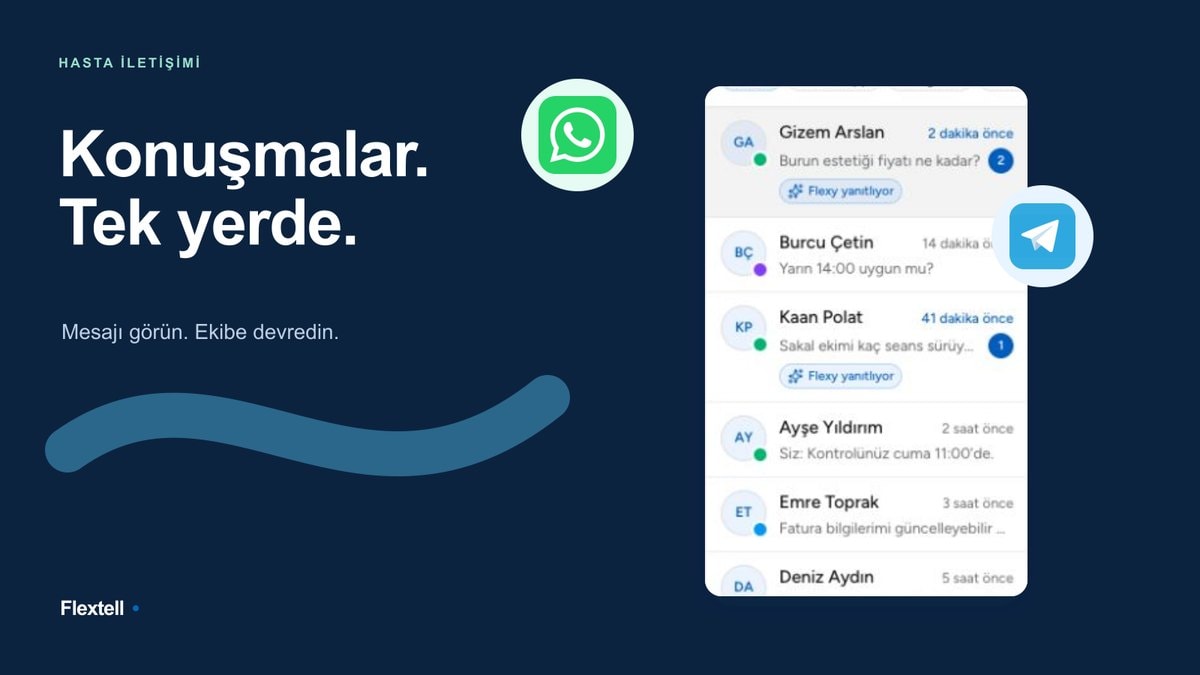
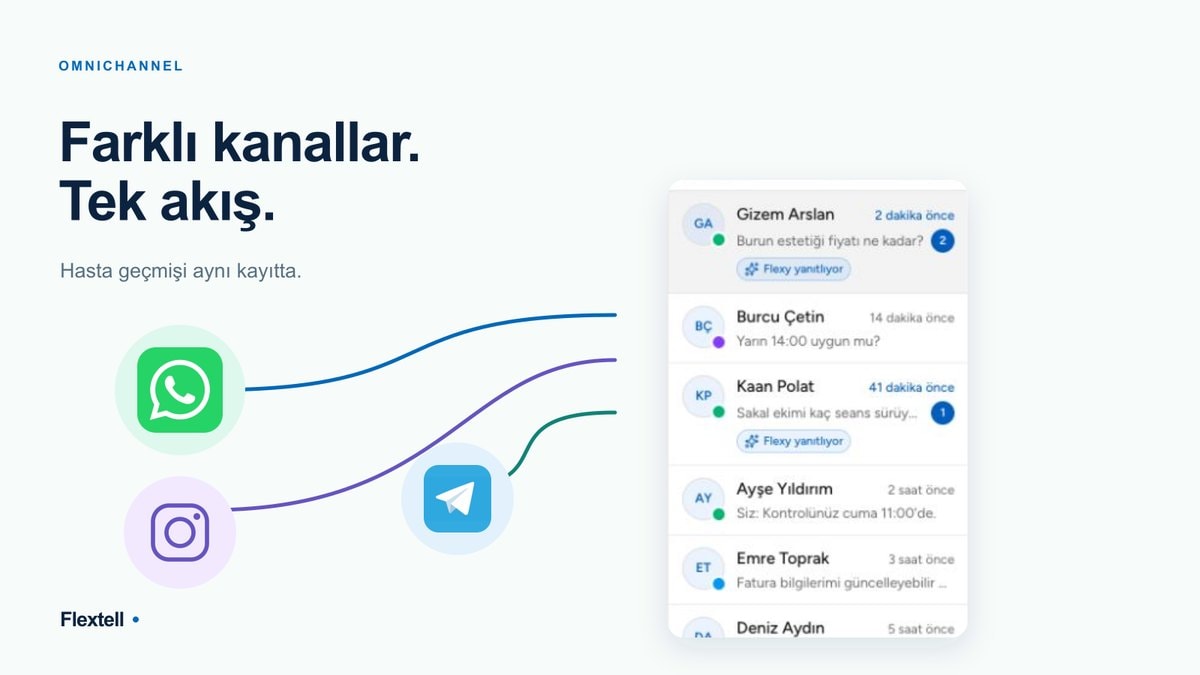
Reminder messages are sent over the channel the patient uses to contact the clinic: WhatsApp, Telegram, or another active communication channel. The patient sees the message in the app they already use; they don’t need to open another app or check their email. This accessibility directly increases the chance that the message is seen and read.
For the clinic, this also means that reminder messages appear on the channel where the patient is already active; there’s no need to build a separate communication infrastructure for it.
Explore how the clinic AI assistant manages all channels →
The cancellation and change flow: A freed-up slot isn’t lost
Sending a reminder message reduces no-shows, but it doesn’t bring cancellations to zero. Some patients reply to the reminder to cancel or change their appointment. How the system reacts at this point determines whether the clinic can win that slot back.
In Flextell, when a patient replies to a reminder with a cancellation or change request, the AI assistant picks it up and manages the process from the start. Staff don’t need to notice the message, read it, or update the calendar by hand. The freed-up slot automatically becomes available on the calendar and opens up for new appointments.
This mechanism contributes in two ways: first, staff don’t have to follow message traffic; second, an empty slot doesn’t go unclaimed, and a new appointment can be booked for that day.
See every step of clinic appointment management →
The win-back message: A patient who cancels isn’t lost
Not every patient who no-shows or cancels is lost for good. In Flextell, a patient who cancels their appointment can be sent an automatic follow-up message after a set period. This message invites the patient back and makes it easy to book a new appointment.
This mechanism is especially valuable in these scenarios: the profile of a chronically canceling patient, a new patient who cancels their first appointment, and a patient who skips one session of a multi-session treatment. In all three cases, not sending a follow-up message means leaving that patient to be forgotten. Sending a message at least creates a touchpoint.
The content and timing of the message can be customized by the clinic. How many days after the cancellation it is sent, and the tone and content of the message, are set according to the clinic’s preference.
Session confirmation messages in multi-session treatments
Multi-session treatments such as laser hair removal, physical therapy, Botox, or skin care carry the need for reminders into a repeating cycle. After every completed session, the same process has to be set up again for the next one.
In Flextell, this cycle runs automatically. When a session is completed, the system calculates the next appointment date according to the treatment’s session plan and sends the patient a confirmation message. When the patient confirms the message, the appointment is entered in the calendar; staff don’t need to take any extra step.
The effect of this mechanism at clinics with a regular patient base is far more noticeable than with one-off appointments. The communication gap between sessions and the uncertainty of "Who will book the next appointment?" disappear; the process continues on its own.
No-show reporting: Which hours, which treatments?
To lower the no-show rate, you first need to see where it is high. In Flextell, every appointment status is recorded; appointments in the no-show status are reflected in the reporting module.
Over time, this data becomes analyzable: which time slots have a high no-show rate, which treatments see more cancellations, and on which doctor’s calendar wasted hours are more common. This analysis can also be used to optimize reminder timing; setting up earlier reminders for certain hours or treatments gives far more accurate results when it rests on concrete data.
Automatic reminders and staff workload
Managing the reminder process by hand means checking who has an appointment, writing the message, sending it, following the reply, and updating the calendar if needed. With dozens of active appointments in the clinic at once, that means staff spend a significant amount of time on repetitive, low-value work.
Flextell’s reminder system takes on this workload entirely. Staff don’t have to send a message, read a reply, or update the calendar. The system works in the background; only the moments that need a human touch make it onto staff’s agenda.
This gain has a side effect too: staff make fewer mistakes. The errors inherent in manual processes, such as a forgotten reminder, a late message, or a missed calendar update, are covered by the system.
Explore how the 24/7 automatic patient reply system works →
Frequently asked questions
Which channel are reminder messages sent on?
They are sent over the active channel the patient uses to contact the clinic: WhatsApp or Telegram. There’s no need to set a channel preference for each patient separately; the system uses the communication channel that is already set up.
Is it possible to change the reminder timing?
Yes. How many hours or days before the appointment a reminder is sent can be customized in Flextell’s settings. Multiple reminders can be set up, for example two separate messages, 3 days before and 24 hours before.
What happens if the patient doesn’t reply to the reminder?
The system doesn’t wait for a reply. The reminder message is delivered; if the patient comes, the appointment is marked as completed, and if they don’t, it moves to the no-show status. An additional follow-up flow can be set up for messages that go unanswered.
Does staff need to do anything when a cancellation request comes in?
No. When the patient sends a cancellation message, the AI assistant picks it up, cancels the appointment, and automatically makes that slot available on the calendar. Staff don’t need to see the message separately or update the calendar.
Is the win-back message sent automatically?
Yes. After a set period following a cancellation or no-show, an automatic follow-up message can be sent to the patient. The content and timing of the message can be customized by the clinic.
Do I need to set up a separate reminder for each session in multi-session treatments?
No. When the session plan module is active, session reminders are created automatically. When a session is completed, the system calculates the next one and the process continues on its own.
Beyond the reminder system
The patient appointment reminder system is the focal point of the no-show problem, but it doesn’t work alone. In Flextell, this system works in an integrated way with appointment management, calendar rules, the AI assistant, and the reporting module. An appointment that gets a reminder is also an appointment tracked on the calendar. The slot of a canceled appointment is a slot that automatically becomes available. An appointment moved to the no-show status is data that becomes visible in reports.
This integration turns the reminder system from an isolated feature into a mechanism built into clinic operations.
If you’d like to see how Flextell’s AI assistant works across the clinic, you can look at our clinic AI assistant guide here.
To see how all the modules work together, you can check our clinic management software guide here.
This content was prepared by the Flextell team. Last updated: April 2026.